You are using an outdated browser. For a faster, safer browsing experience, upgrade for free today.

Loading...

Turn treadmill cardio into immersive travel.
Real walking pace.
No cuts.
Made for treadmills.
PACE

360° routes recorded at real pace. Match your treadmill speed. Control intensity with incline.

Tip: match treadmill speed to video pace (≈ 4–6,5 km/h). Use incline to adjust effort.

Why most VR doesn’t work on a treadmill

Most VR videos are made for sitting and looking around. On a treadmill that usually means pace mismatch, sudden cuts, and unpredictable motion — your body is walking forward, but the video isn’t.
  • Pace mismatch — the video speed doesn’t match your steps.
  • Edits & cuts — jumps break flow and can trigger discomfort.
  • Unstable motion — turns, stops, and camera wobble add surprises.
  • Wrong control — people change speed, not effort (incline).
  • Hard to repeat — sessions feel inconsistent, so you quit.
VR:GO! is recorded at real pace
Sync treadmill speed to the operator’s walking rhythm.
One route = one continuous take
No cuts. No jumps. Just steady forward motion.
Intensity via incline
Keep pace synced. Use incline to raise effort and hit your cardio zone.

Why Pace Matters on a Treadmill

On a treadmill, your body expects movement to match your steps. When video pace and walking rhythm align, sessions feel natural, stable, and easier to sustain.
  • Step sync — match treadmill speed to the operator’s walking pace.
  • Stable rhythm — consistent forward motion reduces mental strain.
  • No speed chasing — keep pace steady, adjust effort with incline.
  • Heart-rate control — incline helps you stay in your cardio zone.
  • Long-term repeatability — synced sessions feel smoother week after week.

The VR:GO Standard

Every route follows a strict recording protocol designed specifically for treadmill cardio — not passive VR viewing.
  • Real walking pace — recorded at natural human rhythm.
  • One continuous take — no cuts, no jump edits.
  • Forward motion first — minimal turns and sudden stops.
  • Horizon stability — reduced camera wobble.
  • Incline-based intensity — pace stays synced, effort increases safely.
Built for repetition
Designed for sessions you can repeat weekly without fatigue.
Treadmill-first design
Created for walking on a belt — not standing in place.
Category-focused
Dedicated to VR treadmill walking — nothing else.

Route catalog

A growing set of treadmill-friendly VR walking routes. DeoVR is the current player; VRGO Player is next.
24
+
Indexed routes

Get the 14-Day Starter Plan

6 treadmill-ready sessions to get comfortable fast: setup, motion comfort, DeoVR settings, and pace syncing. Route drops are weekly. No spam. Unsubscribe anytime.

Tip: to avoid discomfort, keep treadmill speed synced to the video pace and adjust effort with incline.

THE VR:GO! METHOD

HOW A VR:GO! SESSION WORKS

Simple. Repeatable. Treadmill-first.

1) Put on your headset (Quest + DeoVR).
2) Start your treadmill slow — and walk while you launch the video.
3) Sync treadmill speed to the video pace (so your steps match the operator).
4) Control effort with incline — keep speed synced for comfort.

No sensors. No pairing. Just set pace and walk.
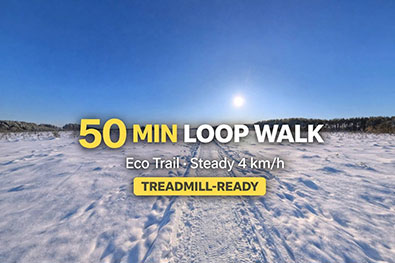
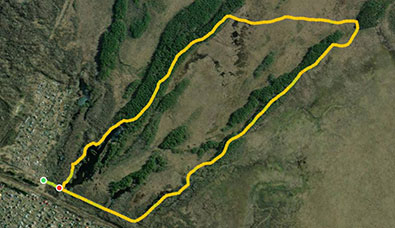
VR route cover / thumbnail
Filming process — camera & rig
Treadmill panel / pace setup
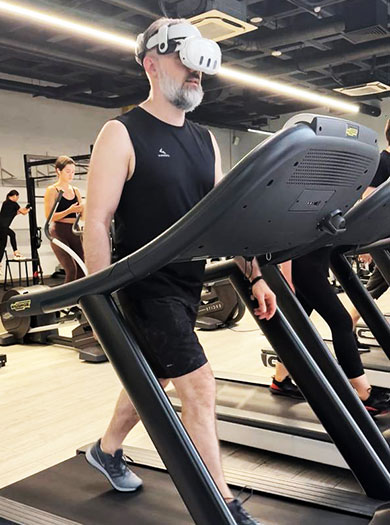
Walking on treadmill — behind the scenes
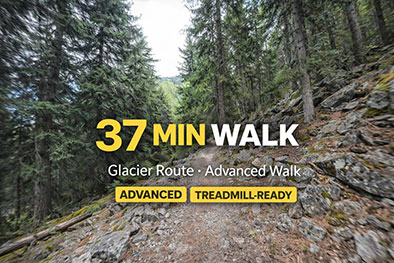
Route cover — forest / snow / city
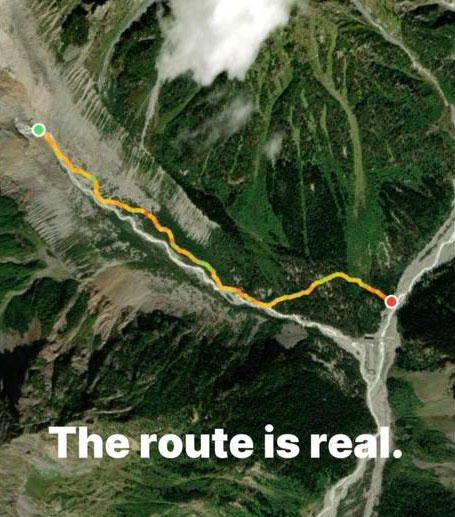
Route cover — featured scene
Featured route moments

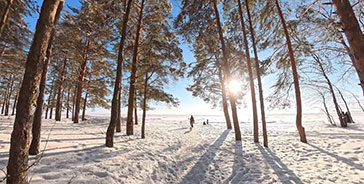
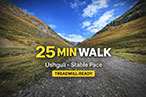
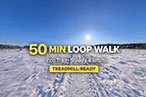
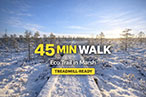
A few still frames from recent routes — forests, snow beaches, parks, and city walks. All videos are recorded at a real walking pace so you can match your treadmill speed and stay in flow.

Tips & FAQ

Quick Tips

  • Start easy — pick a calm pace for your first session.
  • Sync pace — match treadmill speed to the video rhythm.
  • Incline control — increase effort with incline, not speed.
  • Hold rails if needed — especially the first few sessions.
  • Stop if unwell — comfort always comes first.

Frequently Asked Questions

Do I need special equipment?
You only need a VR headset (Meta Quest + DeoVR) and a treadmill. No sensors or pairing required.

How do I match treadmill speed?
Start slow, launch the video, and adjust speed until your steps feel naturally synced with the walking pace displayed on the screen.

Will this cause motion sickness?
VR:GO! is designed with steady forward motion and no cuts, but everyone is different — start slow and stop if you feel unwell.

Why incline instead of speed?
Changing speed breaks sync. Using incline lets you raise physical effort while keeping pace stable and smooth.

Where do I get new routes?
Routes are published on DeoVR. If you subscribe, you’ll get updates when new route drops are available.